
Online Proofing Software: What It Is and What to Look For
 Ridwan Said
9 min read
Ridwan Said
9 min read

On this page
Online proofing software lets reviewers leave feedback directly on a creative file — an image, a video, a document, a design mockup — instead of describing what they mean in a separate email or message. A reviewer marks up the exact spot they're talking about, the creator sees precisely what needs to change, and the whole exchange stays attached to the file it's about rather than scattered across a different tool entirely.
Most guides to this topic are long, ranked lists of proofing tools written by one of the vendors on the list. This one skips the ranking and covers what the category actually is, who it's genuinely built for, and the one distinction that determines whether a given tool will actually work for your situation.
What is online proofing software?
The term originated with photographers reviewing prints before final production, and per Wikipedia's entry on the practice, it has since expanded to cover web design, video, marketing content, and packaging — anywhere creative work needs a documented round of feedback and sign-off before it ships. At its core, proofing software does three things: lets reviewers annotate a file directly, keeps a record of every comment and who made it, and tracks which version of the file a given round of feedback actually applied to.
Take a single design mockup as an example. Without proofing software, a reviewer might describe a change over email: "can you move the headline down and make the button a bit bigger." The designer interprets "down" and "a bit bigger" as best they can, uploads a second version, and hopes it matches what the reviewer meant. With proofing software, the reviewer drags a pin directly onto the headline and another onto the button, types the same notes attached to those exact spots, and the designer sees precisely where and how much to move each element. Same feedback, dramatically less ambiguity. Affily works the same way for video and images together, not just design mockups.
Who actually uses it
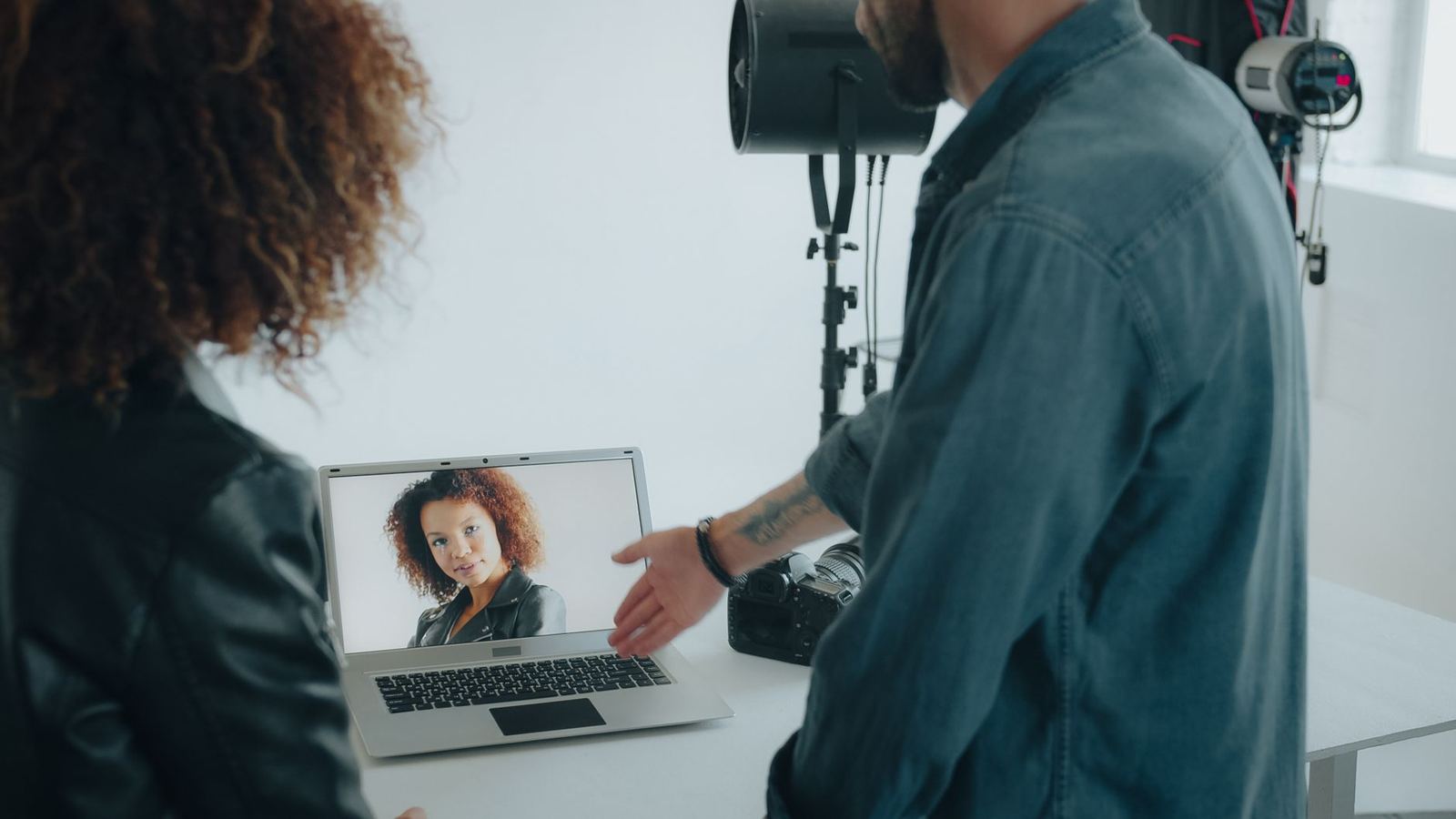
Photographers, designers, video editors, marketing teams, and creative agencies are the recurring users — anyone whose work goes through a review stage before it's considered finished. That covers a wide range of actual situations: a photographer sending a client gallery for selects, a design team getting sign-off on a campaign asset, a video editor collecting notes on a cut, an agency running approvals across several client accounts at once.
The common thread across all of these is less about the industry and more about the shape of the work: something gets made, someone else needs to react to it, and a decision eventually has to get made about whether it's finished. Any role where that pattern repeats regularly is a role proofing software is built for, whether or not the job title has "creative" in it.
How proofing differs by file type
The core idea, feedback pinned to an exact spot, holds across formats, but what "an exact spot" means changes depending on what's being reviewed.
Images
Feedback pins to an x/y coordinate on the image itself. "Move this logo" points at the logo. Multiple rounds of feedback on the same image should stay visible together, so a reviewer can see what's already been addressed without re-explaining it.
Video
Feedback pins to a timestamp instead of a spatial location, so a note about the middle of a cut points at the exact second rather than a vague description of "the part where she turns around." Some tools support both a timestamp and a spatial region within a frame, useful when the note is about something specific happening in one part of the frame at one moment.
Documents and designs
Feedback usually pins to a specific line, page, or element. This is the format most general-purpose proofing tools handle best, since it's closest to how word-processor comments already work.
A project that only ever involves one file type can pick a specialized tool built around it. A project that mixes video review one week and image review the next needs a tool that genuinely handles both well, not one that added the second format as an afterthought.
Why it matters
Someone commenting "looks good" without saying which version they're looking at is the exact failure proofing software exists to prevent. Without it, feedback lives in whatever tool happened to be open — email, a chat app, a phone call — completely disconnected from the file itself. By the time a revision comes back, someone has to manually match old notes to the new version, and that matching step is exactly the kind of work that gets skipped under deadline pressure.
Proofing software also creates a record. "Did the client actually approve this?" becomes a question with a timestamped answer instead of something reconstructed from memory or a scroll through old messages.
This matters more as volume grows: 71 percent of marketers expect content demand to grow more than 5x by 2027, according to Adobe's 2025 survey of more than 1,600 marketers. A review process that depends on manually matching feedback to versions by hand is manageable at low volume and breaks down fast once it isn't.
The distinction most guides skip

Most proofing tools are built around one assumption: everyone involved already has a login to the same system. That's true for an internal design team reviewing each other's work, and it breaks down the moment a reviewer is a client, a freelancer, or a creator who doesn't work for the company running the review.
That's not a small distinction. A client or outside creator shouldn't need to create an account, accept an invitation, or learn a new tool just to leave a note on one file. Every extra step between "here's the draft" and "here's the feedback" is a reason it gets missed or answered a day late — and it's a completely different requirement than what an internal team, already logged into a shared workspace, actually needs.
Most proofing software buying guides don't separate these two cases at all, because most of the tools they're comparing are built for the internal-team case specifically. Worth checking which one you actually have before assuming a tool that works great for one will work at all for the other.
The two cases also scale differently. An internal team of five designers reviewing each other's work stays roughly the same size over time. An agency's external reviewer list grows with every new client and every creator brought onto a campaign — which means the "no account needed" requirement gets more important, not less, as a business grows, exactly the opposite of what most proofing tools are optimized for.
What to look for in online proofing software
- Feedback pinned to an exact spot, not a comment thread describing where to look — a marked point on an image or a timestamp on a video removes an entire category of back-and-forth.
- Approval tied to a specific version. "Approved" should mean approved-as-of-this-file, so a later revision can't quietly ship under an old sign-off.
- No account required for outside reviewers, if any of your reviewers are clients, freelancers, or creators rather than internal team members.
- Files organized with real context — which project, which round, which creator made it — not a flat folder where that information depends on someone remembering to name the file correctly.
- Support for the file types you actually review. Video-specific tools don't always handle images well, and vice versa; check both if a project mixes the two.
- Role-based views. An agency, a brand, and a creator or freelancer each need to see the slice of a project that's actually theirs, not a workspace cluttered with everyone else's files and comments.
- A clear record of who approved what, and when. If answering "is this approved?" takes more than a few seconds, the tool isn't actually doing the job it's for.
That last point is worth dwelling on: a folder full of images or clips means nothing without knowing which project they belong to, which round of revisions they're on, and who actually made them. Storage was never the hard part of managing creative files — the context around the file is, and it's the piece most proofing tools leave for someone to track by hand.
See feedback pinned directly to the content
Affily supports timestamped video comments and pinned image feedback in one workspace, with no account required for outside reviewers.
Best practices for proofing that actually works

- Pick one place for feedback, and treat everything else as informal. A note in a DM or a hallway conversation doesn't count until it's written where the rest of the feedback lives.
- Name what approved actually means before the first round starts. A specific status, not a vibe extracted from a thread.
- Keep the reviewer list as short as it honestly needs to be. Every additional required sign-off is another round the work has to survive.
- Check file organization before file count grows. A system that's fine for one project's worth of files often breaks down once several are running at the same time.
- Give outside reviewers the shortest possible path in. A branded link they can act on immediately beats an account they have to set up first, especially for a reviewer who'll only ever touch this one project.
- Revisit the review chain after it breaks, not before. The first version of any review process is a guess; the real one gets written after watching where feedback actually got lost.
How Affily fits in
Affily is built for the case most proofing tools treat as secondary: reviewers who are clients, creators, or freelancers rather than people on your own team. Comments and approvals live on one branded page per file (timestamped comments for video, pinned comments for images), versioned through revision history, so an approval always stays tied to the exact file it was actually about. Outside reviewers work from a branded link and can comment or approve without creating an account, and role-based access keeps an agency, a brand, and a creator each seeing only their own slice of a project.
The free plan doesn't require a credit card, and every paid plan includes a 7-day free trial. Starter, at $8/month billed yearly, adds image comments and timestamped feedback for a small team's proofing needs; Pro and Creator Teams add the role-based access and campaign organization that matter once proofing is happening across several clients or creators at once.
For the video-specific side of review and approval, see our guide to video content management. For the stage where feedback turns into a recorded decision, see content approval workflows. For the broader mechanics of the review step itself — the process, and where it differs from a content audit — see our guide to content review. And for the fuller process this review stage sits inside, from brief to delivery, see creative workflow management. If you're currently sending files for review through a plain Google Drive link, see why that's usually the missing half of proofing, not the whole solution.
None of this makes a general-purpose, internal-team proofing tool the wrong choice for an internal creative team reviewing its own work — if every reviewer already has a company login, that assumption was never a real cost. The gap only shows up once even one reviewer on a project is a client, a freelancer, or a creator outside that system, and that gap is specifically what Affily is built to close.
Frequently asked questions
What is online proofing software?
Online proofing software lets reviewers leave feedback directly on a creative file — annotating an exact spot on an image, a timestamp on a video, or a section of a document — instead of describing it separately, and tracks approvals against the specific version they applied to.
Who uses online proofing software?
Photographers, designers, video editors, marketing teams, and creative agencies most commonly — anyone whose work goes through a documented feedback and approval stage before it's finished.
Do reviewers need an account to leave feedback?
It depends on the tool. Most proofing software assumes reviewers are already logged into the same internal system. Affily's branded links let outside reviewers — clients, freelancers, creators — comment and approve without creating an account.
What's the difference between proofing images and proofing video?
The mechanics differ: image feedback is typically pinned to a specific spot or region, while video feedback is pinned to a timestamp. Not every tool handles both well, so it's worth checking if a project involves both file types.
How much does online proofing software cost?
Affily starts free, with no credit card required. Paid plans run from $8/month (Starter, billed yearly) up to $69/month for Creator Teams, which includes 3 seats. Every paid plan includes a 7-day free trial.
What's the difference between online proofing and content approval?
Online proofing covers the annotation and feedback mechanics — marking up a specific spot on a file. Content approval is the broader process that proofing feeds into: reviewing, revising, and formally signing off on a version before it ships.
Can online proofing software handle both images and video?
Some can, but not all handle both equally well — a tool built primarily for one format sometimes treats the other as an afterthought. Affily supports timestamped video comments and pinned image feedback in the same workspace.
Bring your creator content into one workspace
Affily keeps every creator, file, comment, and approval in one place, so your next campaign doesn't start with another shared drive.